

Financial analytics software helps finance teams turn raw financial and operational data into dashboards, forecasts, and reports that support faster, more accurate decisions.
10 Best Financial Analytics Software Tools for 2026
1. FineBI
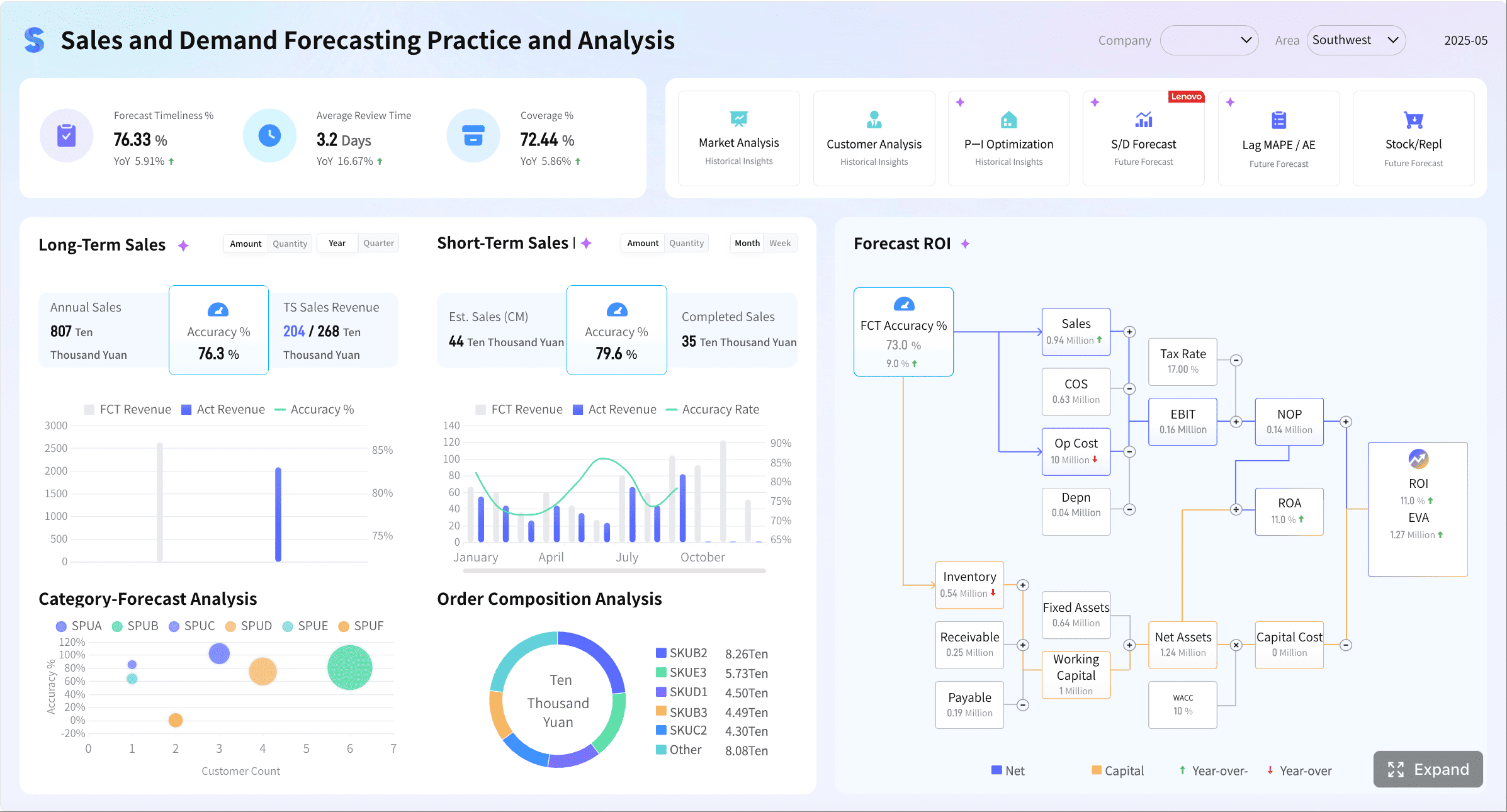
One-sentence overview: FineBI is a self-service BI and financial analytics software platform built for finance teams that need flexible dashboards, governed data access, and fast reporting across ERP, CRM, and operational systems.
 Key Features:
- Interactive dashboards and KPI monitoring
- Self-service analysis for finance and business users
- Strong data connectivity across databases, ERP, CRM, and spreadsheets
- Drill-down reporting and cross-functional performance analysis
- Role-based permissions and centralized governance
Pros & Cons:
- Pros: Strong dashboard flexibility, good balance of usability and depth, suitable for cross-functional reporting, supports scalable governance
- Cons: Advanced FP&A modeling is not as specialized as dedicated planning tools
Best For (Target user/scenario): CFOs, finance managers, controllers, and mid-sized to enterprise teams that want strong financial dashboards and reporting without relying entirely on IT
2. Workday Adaptive Planning
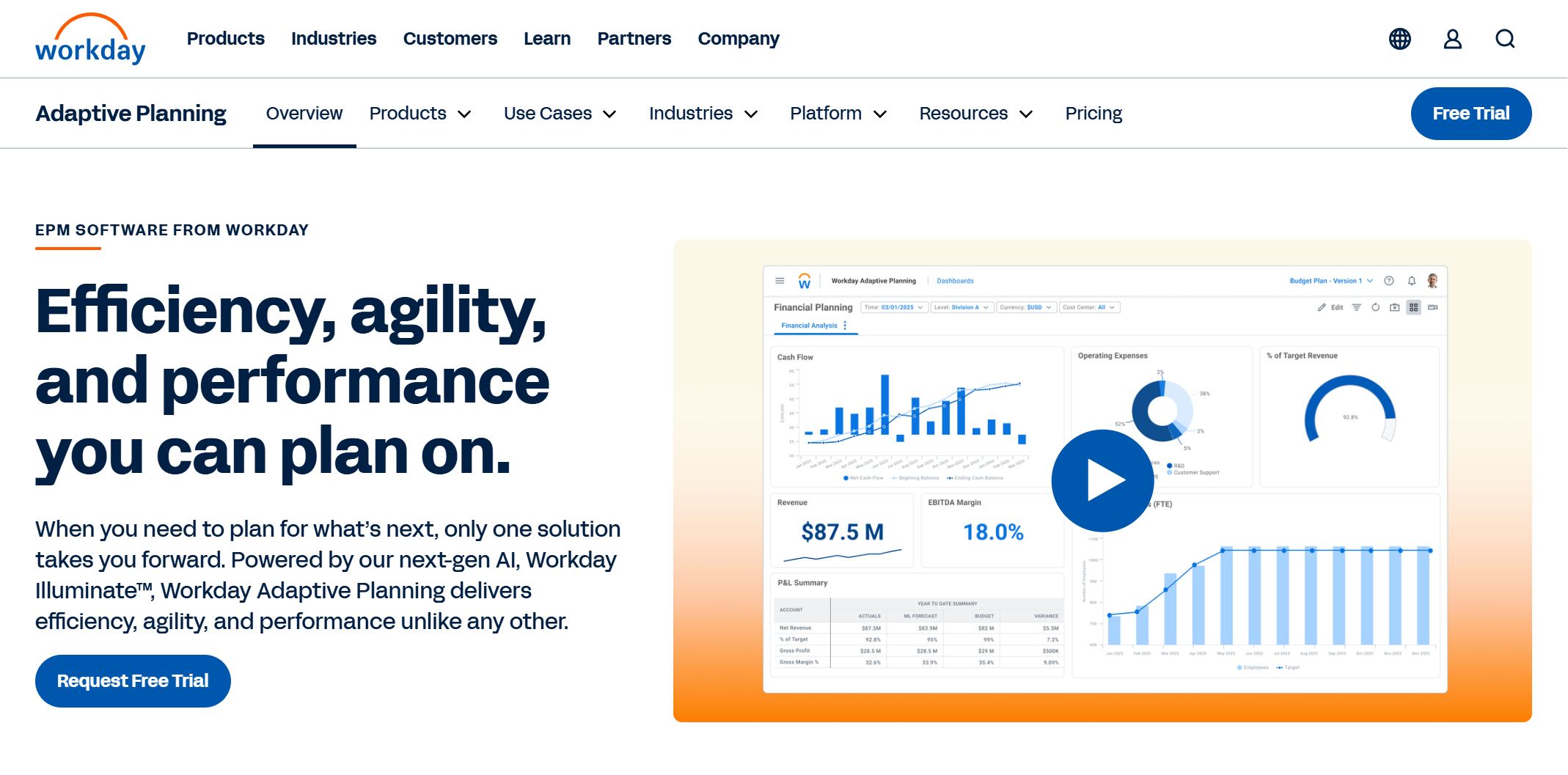
One-sentence overview: Workday Adaptive Planning is a mature FP&A platform designed for budgeting, forecasting, scenario modeling, and enterprise planning workflows.
 Key Features:
- Driver-based planning
- Rolling forecasts and what-if modeling
- Workforce and departmental planning
- Collaboration workflows and approvals
- Reporting and dashboarding
Pros & Cons:
- Pros: Strong forecasting depth, mature planning workflows, suitable for complex organizations
- Cons: Can require more implementation effort and admin oversight than lighter tools
Best For (Target user/scenario): Mid-market and enterprise FP&A teams needing structured planning and scenario analysis
3. Anaplan
One-sentence overview: Anaplan is an enterprise planning platform that supports complex financial modeling across finance, operations, and business units.
 Key Features:
- Connected planning across departments
- Large-scale scenario modeling
- Custom planning models
- Workflow automation
- Enterprise security and governance
Pros & Cons:
- Pros: Highly flexible, strong enterprise-scale planning, broad cross-functional use
- Cons: Higher complexity, steeper learning curve, typically higher total cost
Best For (Target user/scenario): Enterprises with sophisticated planning requirements across finance and operations
4. Oracle NetSuite Planning and Budgeting
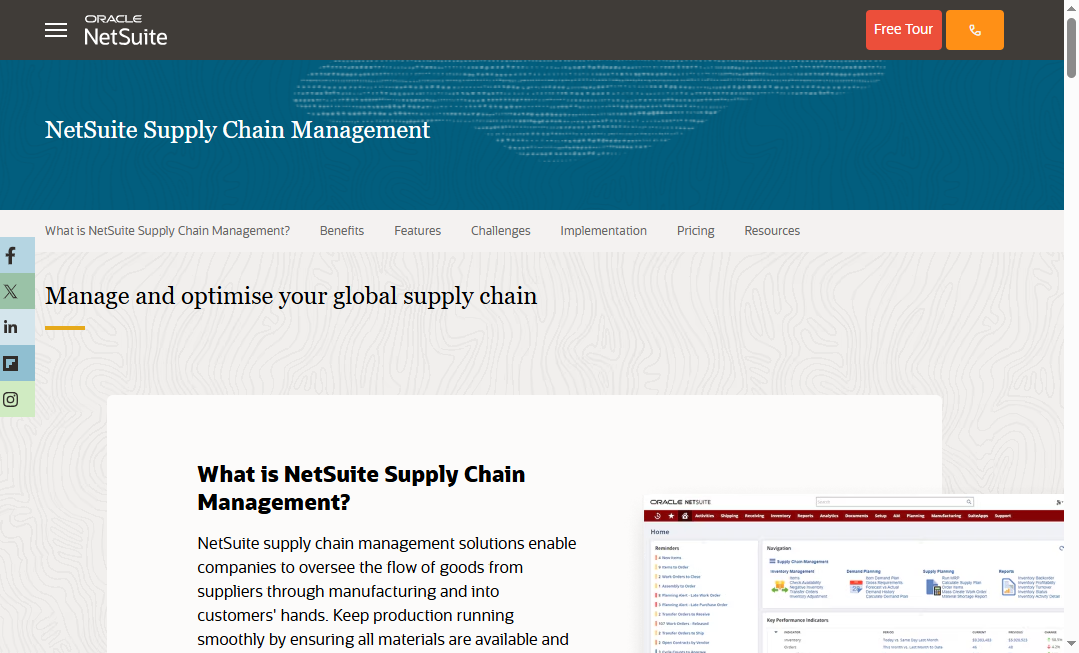
One-sentence overview: NetSuite Planning and Budgeting extends the NetSuite ecosystem with budgeting, forecasting, modeling, and reporting for growing finance teams.
 Key Features:
- Budgeting and forecasting
- Scenario planning
- Financial statement modeling
- NetSuite integration
- Reporting automation
Pros & Cons:
- Pros: Natural fit for NetSuite users, solid planning functionality, centralized finance workflows
- Cons: Best experience depends on broader NetSuite adoption, less attractive for mixed-system environments
Best For (Target user/scenario): Companies already invested in NetSuite that want tighter planning and reporting alignment
5. Cube
One-sentence overview: Cube is spreadsheet-native financial analytics software that helps FP&A teams improve reporting and forecasting while staying close to Excel and Google Sheets.
Key Features:
- Spreadsheet-based planning workflows
- Variance analysis
- Forecasting and reporting automation
- Integrations with ERP and accounting systems
- Collaborative planning
Pros & Cons:
- Pros: Familiar interface for finance teams, faster adoption, strong fit for Excel-heavy workflows
- Cons: Less visualization depth than dedicated BI tools, may be less ideal for broad enterprise analytics
Best For (Target user/scenario): FP&A teams that want modern planning capabilities without leaving spreadsheets behind
6. Jedox
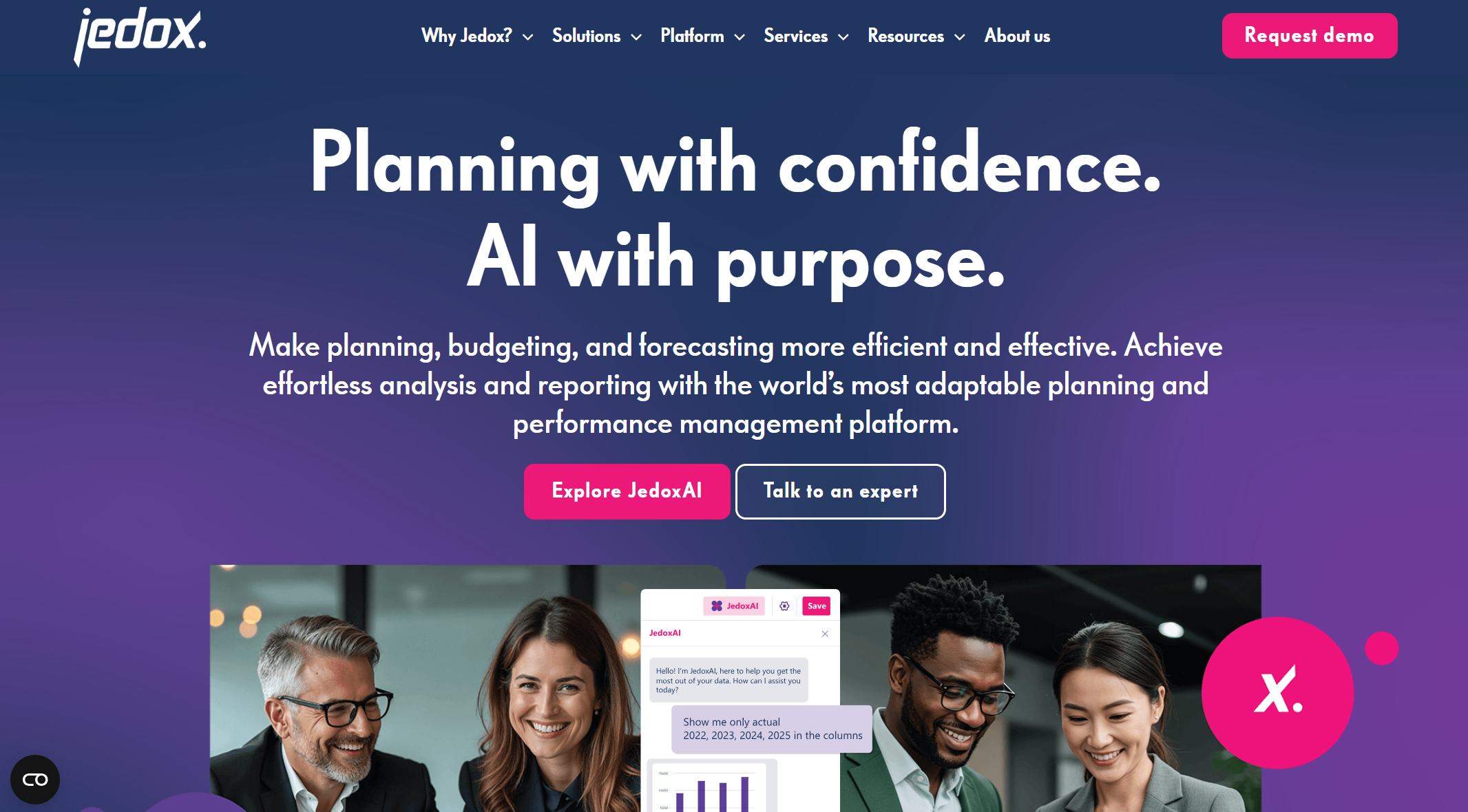
One-sentence overview: Jedox combines planning, analytics, and reporting in a platform suited to organizations that need both finance-led planning and business performance analysis.
 Key Features:
- Integrated planning and budgeting
- Excel-friendly workflows
- Dashboards and KPI tracking
- Scenario modeling
- Data integration and governance
Pros & Cons:
- Pros: Strong mix of planning and analytics, flexible deployment, good Excel compatibility
- Cons: Setup and model design can take time for lean teams
Best For (Target user/scenario): Mid-sized and enterprise teams seeking a blend of BI, planning, and financial reporting
7. Datarails
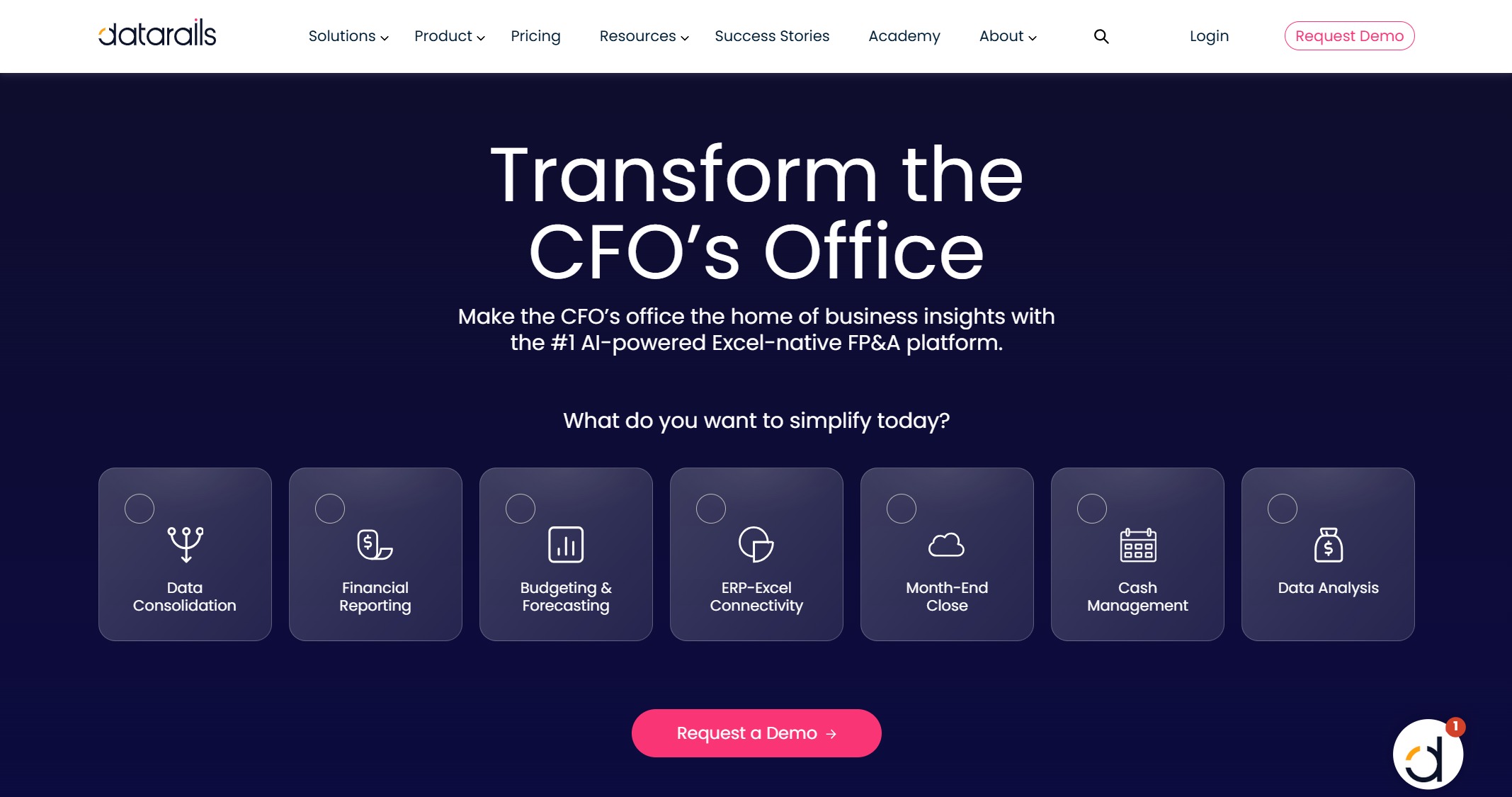
One-sentence overview: Datarails is an FP&A-focused platform that automates data consolidation and reporting while preserving Excel-based processes.
 Key Features:
- Excel automation
- Consolidation and reporting
- Budgeting and forecasting
- Dashboarding
- Scenario analysis
Pros & Cons:
- Pros: Strong for finance teams that rely heavily on Excel, helps reduce manual consolidation work
- Cons: Less suited to broader enterprise BI use cases than dedicated analytics platforms
Best For (Target user/scenario): Finance teams modernizing spreadsheet-driven reporting and planning
8. Fathom
One-sentence overview: Fathom is a financial analysis and reporting platform known for KPI tracking, management reporting, and accessible forecasting for SMBs and advisors.
Key Features:
- KPI dashboards
- Management and board reporting
- Cash flow forecasting
- Consolidated reporting
- Visual financial analysis
Pros & Cons:
- Pros: Clear visuals, straightforward reporting, strong for SMB performance monitoring
- Cons: Less depth for enterprise-scale planning and advanced customization
Best For (Target user/scenario): SMBs, accountants, and advisors needing presentation-ready reporting and KPI visibility
9. Board
One-sentence overview: Board is a corporate performance management platform that supports financial planning, consolidation, reporting, and enterprise analytics.
Key Features:
- Budgeting and forecasting
- Consolidation
- Management reporting
- Analytics dashboards
- Workflow and governance controls
Pros & Cons:
- Pros: Broad finance functionality, strong governance, supports complex organizations
- Cons: Can be resource-intensive to implement and maintain
Best For (Target user/scenario): Large enterprises that need planning, reporting, and governance in one finance platform
10. Vena
One-sentence overview: Vena is an Excel-centric FP&A and reporting platform that adds workflow, control, and centralization to familiar finance processes.
Key Features:
- Excel-based budgeting and forecasting
- Workflow approvals
- Reporting automation
- Data centralization
- Scenario planning
Pros & Cons:
- Pros: Familiar user experience, strong process control, good for teams transitioning from manual spreadsheets
- Cons: Visualization and self-service analytics are not as broad as purpose-built BI platforms
Best For (Target user/scenario): Finance teams that want stronger governance and automation without abandoning Excel
Why Financial Analytics Software Matters in 2026
Modern finance teams need more than static reports. They need visibility, speed, and decision support from a single environment that can connect financial results to operational drivers.
In 2026, the role of financial analytics software has expanded well beyond basic reporting. CFOs and finance leaders are expected to explain not just what happened, but why it happened, what is likely to happen next, and what actions the business should take. That requires platforms that can unify dashboards, forecasting, and reporting.
The best financial analytics software now helps teams:
- Monitor KPIs in near real time
- Reduce manual spreadsheet consolidation
- Build rolling forecasts and scenario models
- Deliver board-ready and audit-friendly reports
- Connect finance, operations, sales, and leadership around shared metrics
This comparison is designed for:
- CFOs
- FP&A teams
- Controllers
- Finance managers
- Advisory and accounting professionals
If your team is spending too much time chasing data, fixing report inconsistencies, or rebuilding forecasts manually every month, the right platform can materially improve decision speed and trust in the numbers.
How We Compared the Best Financial Analytics Software Tools
To identify the best financial analytics software tools for 2026, we focused on the criteria that matter most in real finance environments.
Core evaluation criteria
We assessed each platform across the following areas:
- Dashboard flexibility: Can teams build executive views, KPI dashboards, and drill-down analysis without excessive technical work?
- Forecasting depth: Does the tool support budgeting, scenario analysis, rolling forecasts, and driver-based planning?
- Reporting automation: How well does it handle recurring reports, board packs, and standardized financial outputs?
- Integrations: Can it connect to ERP, CRM, payroll, accounting systems, and spreadsheets?
- Data governance: Are permissions, definitions, and access controls strong enough for finance-grade trust?
- Pricing: Is the platform realistic for the target buyer segment?
- Ease of use: Can finance users adopt it without a long, expensive learning curve?
Additional buying factors
We also considered several practical factors that often determine success after purchase:
- Implementation time
- Scalability as entities, users, and data volume grow
- Vendor support quality
- Product maturity
- Fit for real-world use cases rather than feature checklists
This matters because the best financial analytics software is not always the one with the longest feature list. It is the one your team can implement, trust, and use consistently.
Pros, Cons, and Key Differences Between Leading Platforms
Feature tradeoffs to watch
Every buyer will face tradeoffs between flexibility, usability, and specialization.
Customization vs. ease of setup
Highly customizable platforms such as Anaplan and Board can support sophisticated use cases, but they often take more time to implement and manage. Lighter tools such as Fathom are easier to deploy but may not handle deeper enterprise requirements.
Depth vs. usability
Dedicated FP&A platforms often offer excellent planning depth, but some sacrifice speed of adoption. Spreadsheet-native tools like Cube, Datarails, and Vena reduce training friction, while BI-oriented platforms like FineBI improve analysis flexibility and dashboard usability.
Breadth vs. specialization
Some tools focus mainly on planning. Others focus mainly on reporting or dashboarding. If your team wants a broader analytics layer that connects finance with operational metrics, FineBI stands out because it supports dashboarding, governed self-service, and cross-functional analysis in a single environment.
Pricing and total cost considerations
Subscription pricing is only part of the actual cost of financial analytics software.
Buyers should also examine:
- Implementation services
- Data modeling effort
- User training time
- Internal admin workload
- Ongoing maintenance and dashboard/report ownership
- Expansion costs for more users, entities, or models
A lower-priced tool can become expensive if it creates heavy manual admin work. A higher-priced tool can still deliver better value if it cuts reporting cycles, improves forecast accuracy, and reduces spreadsheet risk.
Integration and data quality considerations
Integration quality directly affects reporting trust.
Your financial analytics software should ideally connect with:
- ERP systems
- Accounting platforms
- CRM tools
- Payroll and HR systems
- Spreadsheets
- Operational databases
Poor connectivity leads to delayed refreshes, conflicting numbers, and endless reconciliation work. Strong integration and governance help ensure that dashboards, forecasts, and reports are using the same logic and definitions.
This is one reason many finance teams favor platforms like FineBI, which are strong at bringing together multiple systems for governed analysis, especially when finance needs to align with sales, procurement, or operational performance data.
How to Choose the Right Financial Analytics and Reporting Platform
Match the tool to your team structure
Different organizations need different types of financial analytics software.
Startups
Startups often need quick deployment, basic forecasting, and straightforward KPI visibility. Simplicity usually matters more than enterprise complexity.
Mid-market finance teams
Mid-sized businesses often need a balance of automation, dashboards, planning, and strong integrations. This is where tools like FineBI, Cube, Jedox, and Workday Adaptive Planning often fit well.
Enterprises
Large enterprises usually need stronger governance, multi-entity planning, workflow control, and scalability. Anaplan, Board, Workday Adaptive Planning, and Jedox tend to be stronger in these cases.
Advisory firms
Advisors and outsourced finance teams often prioritize client-ready reporting, KPI storytelling, and easy multi-entity views. Fathom is often attractive here, while FineBI can also be compelling when clients need deeper, more customized analysis.
Prioritize your highest-value use cases
Before buying, rank your most important outcomes.
Ask:
- Do we mainly need dashboards and KPI visibility?
- Do we mainly need forecasting and planning depth?
- Do we need better ad hoc analysis across multiple systems?
- Do we need to standardize board reporting, compliance, or month-end reporting?
If dashboarding and cross-functional analysis are top priorities, FineBI deserves serious consideration. If advanced planning is the top priority, Workday Adaptive Planning or Anaplan may be a better fit. If you want to modernize spreadsheet-based finance processes, Cube, Datarails, or Vena may be more practical.
Questions to ask before buying
Use this shortlist in vendor evaluations:
- How quickly can our team go live?
- Which ERP, CRM, payroll, and spreadsheet sources are natively supported?
- How are permissions, governance, and auditability handled?
- Can finance own dashboard and report creation, or will IT be required?
- How well does the platform support both current reporting needs and future scale?
- What is included in implementation and onboarding?
- How are forecast models maintained over time?
- What support is available after launch?
- How does pricing change as users, entities, or data complexity increase?
- What does the product roadmap look like for finance analytics, reporting, and AI-assisted analysis?
Final Verdict: Which Financial Analytics Software Is Best for Your Needs?
The best financial analytics software depends on what your team needs most right now.
- Choose FineBI if you want strong dashboarding, governed self-service analytics, and cross-functional financial visibility with flexible reporting.
- Choose Workday Adaptive Planning if your top priority is advanced budgeting, forecasting, and structured FP&A workflows.
- Choose Anaplan if you need enterprise-scale connected planning across multiple departments.
- Choose Vena, Cube, or Datarails if your team wants to improve planning and reporting while keeping spreadsheet-centric workflows.
- Choose Fathom if you are a smaller business or advisory team that values clear KPI reporting and presentation-ready outputs.
- Choose Board or Jedox if you need a broader mix of enterprise planning, reporting, and governance.
For many finance teams in 2026, the smartest next step is to shortlist tools based on:
- Your biggest reporting pain points
- The complexity of your data environment
- How much planning depth you truly need
- Whether dashboards, forecasting, or reporting is the highest-value problem to solve first
If your organization needs a practical balance of usability, dashboard flexibility, data integration, and finance-grade reporting, FineBI is one of the strongest platforms to evaluate first.